
Quickstart
Make your first IP geolocation API call in three steps.
Three steps to your first call
- Create a free account at app.ipzentra.com with your company email and confirm your address. Your 20-day trial starts straight away.
- Create an API key in your dashboard under API keys. Copy it at once, because it is shown only once.
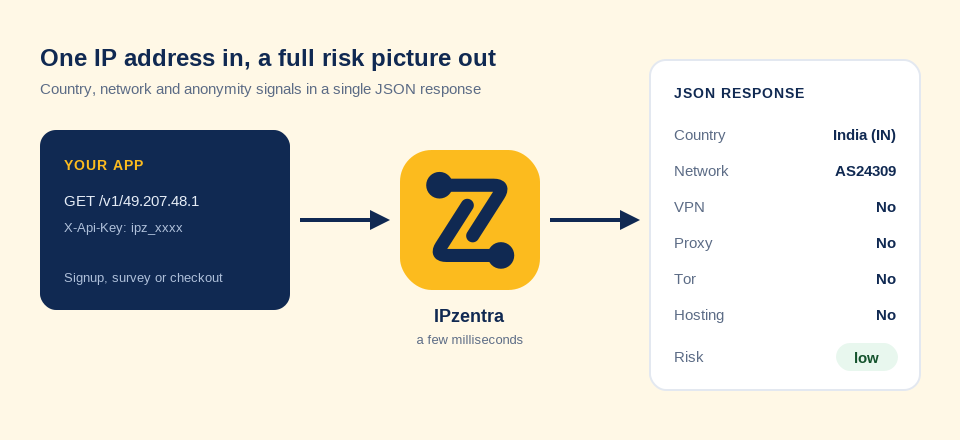
- Send a request from your terminal or server:
curl -H "X-Api-Key: YOUR_API_KEY" https://api.ipzentra.com/v1/8.8.8.8
Next steps
- Restrict your key to your server IPs or website.
- Read the response fields and decide which signals your rules need.
- Copy a code example or install a library.
Need a hand? Search the Help Center or open a support ticket. We usually reply within one business day.