
IPzentra help center
How can we help?
Search the IPzentra help center, browse guides by topic, or ask our team.
Frequent issues
Browse the IPzentra help center by topic
Every guide belongs to one of these topics, with the most read guides first.
Getting started
Create your account, get an API key and make your first request.
See all 2 in Getting startedUsing the API
Endpoints, response fields, errors and limits.
- Why does the API return a 402 error?
- Rate limits and the 429 error
- How do I look up many IP addresses at once?
Account and security
Logins, passwords and API key security.
- Restrict an API key to your server IPs or website
- Get alerts before you run out of lookups
- Invite your team to your IPzentra account
Plans and billing
Free trial, subscriptions, cancellations and refunds.
See all 2 in Plans and billingHow to use the IPzentra help center
The IPzentra help center collects short, practical guides for everything from your first API request to billing questions. These tips help you find answers faster:
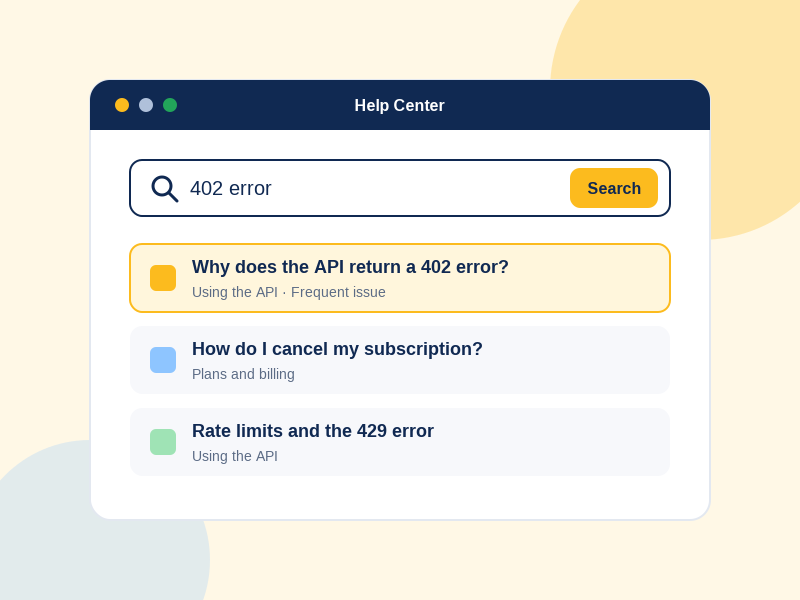
- Search by error code: typing 402 or 429 finds the guide for that response straight away.
- Browse by topic: each topic lists its guides, with the most read first.
- Follow related articles at the end of each guide to keep reading without searching again.
- Rate each guide: the Yes and No buttons tell us which articles need more detail.
- Share a link: every guide in the IPzentra help center has its own web address, so you can send the exact answer to a colleague.
Before you contact support
If the IPzentra help center does not answer your question, our team is happy to help. Include these details and we can usually solve it in one reply:
- The request you sent, with the API key removed or shortened to its first few characters.
- The full response you received, including the HTTP status and error code.
- The time it happened, in UTC if possible.
- The email address on your IPzentra account.
- What you have already tried, so we do not suggest the same steps again.
- Your ticket number, such as IPZ-1001, if you are following up on an earlier request.
More ways to get help
Beyond the IPzentra help center, you can reach us or check the service in four ways:
Open a support ticket
For customers. Tickets are linked to your account, so we see your plan and usage straight away.
Use the contact form
For sales, billing and anything else, with or without an account.
Read the API documentation
Endpoints, response fields, error codes and code examples in four languages.
Check the service status
See whether the API and its data are up to date before you start debugging.
Still need help?
Our team usually replies within one business day, and the IPzentra help center grows every time a question comes up more than once.